Streamline game localization using AI-powered translation services. Integrates directly with Unreal Engine's Localization Dashboard and supports OpenAI, Claude, DeepSeek, Google Gemini, and Ollama for efficient batch processing across all your target languages.
Five providers covering cloud-hosted frontier models and fully local options for offline or privacy-sensitive projects.
GPT-5.6 (Sol, Terra, Luna), GPT-5.5, GPT-5.4, and other models. Strong multilingual quality across the widest range of languages.
Claude Opus, Sonnet, and Haiku. Well-suited for nuanced translation of narrative and dialogue content.
DeepSeek Chat and Reasoner. A cost-effective cloud option with strong multilingual output.
Gemini 2.5 Pro and Flash. Native multilingual capabilities with broad language coverage.
Run any Ollama-compatible model locally - Llama, Mistral, Qwen, and more. No API key, no data leaving your machine, works offline.
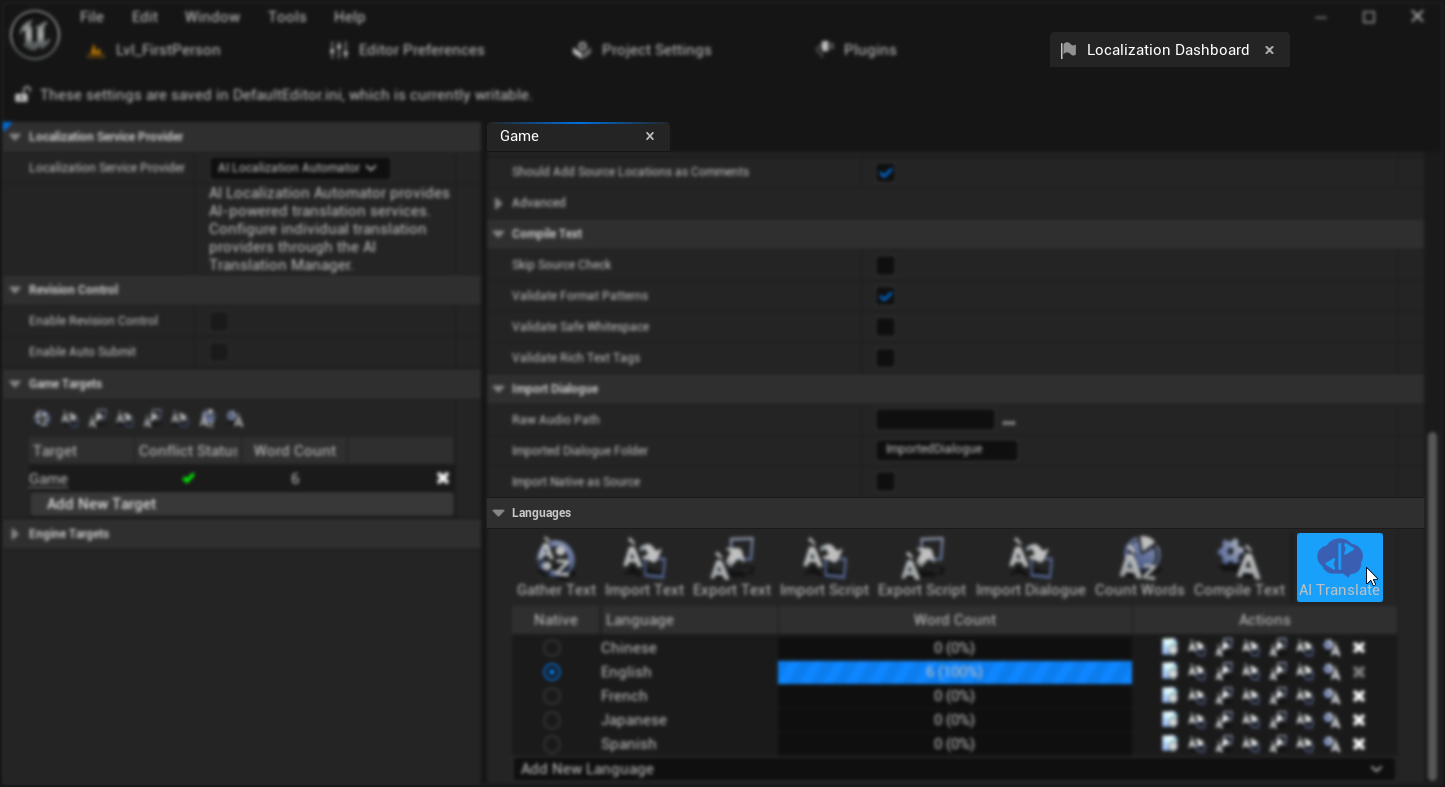
An AI Translate button is added directly to UE's Localization Dashboard, keeping translation within the standard editor workflow.
Translated localization files are compiled into the standard UE format and work on every platform Unreal Engine targets.
Beyond basic translation, the plugin provides configurable batch processing, custom prompt templates, session management, preset saving, and real-time progress tracking.
Process hundreds of text entries concurrently with adjustable request parallelism. Automatic retry logic handles transient provider errors and rate limits without losing progress.
Customize the translation prompt with template variables for source text, target language, and project context. Provide glossary terms or tone guidance to improve consistency across entries.
Save complete configurations - provider, model, concurrency, prompt template - as named presets. Load them instantly or share across a team to keep translation settings consistent.
Pause a translation run and resume it later without losing completed entries. Cancel at any point - results up to that moment are saved. Session tracking shows which entries were translated in the current run.
Live progress updates with per-entry status, success and failure counts, and detailed error messages. Identify and retry failed entries without reprocessing completed ones.
Correctly handles UE format arguments, rich text markup, and special characters in source strings. Placeholders are preserved accurately across all target languages.
Translation process with real-time progress tracking
The walkthrough video covers the complete workflow: gathering text, configuring a provider, running a batch translation, and compiling the results for use in your project.
Gather, translate, compile, and verify results in a single session
See quality and speed differences across cloud and local providers
Demonstrated on a project with real UI strings, dialogue, and format arguments
Video Tutorial
Comprehensive documentation covers initial setup, provider configuration, prompt customization, batch processing options, and the preset system.
Step-by-step guides for all providers and features
Active Discord community with developer support
Tailored integration or feature development - solutions@georgy.dev
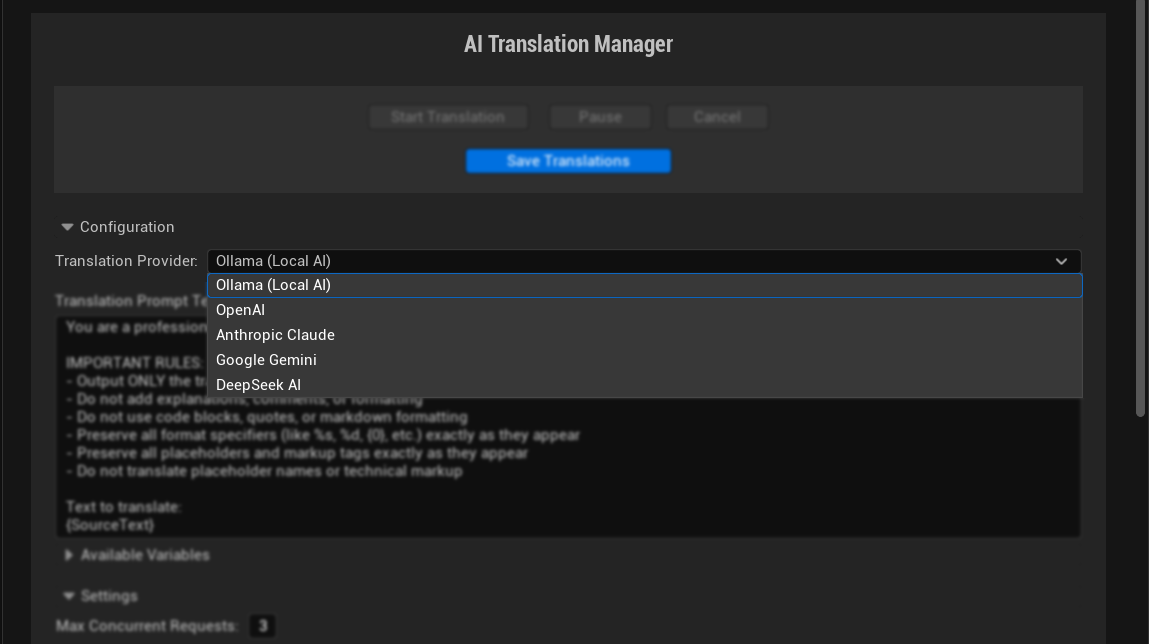
Provider selection and configuration
Available on Fab for UE 5.0 – 5.8. Supports 5 AI providers, batch processing, custom prompt templates, and full integration with UE's Localization Dashboard.